 EN
 English
 简体中文
 Italian
 Spanish
 Turkish
 Japanese
 Portuguese
 Russian
 French
 German
 Polish
 Persian
 Arabic
News
Latest news, updates & insights from Fushi.
Latest news, updates & insights from Fushi.
Oct 23, 2026Source:Intelligent Browse: 5
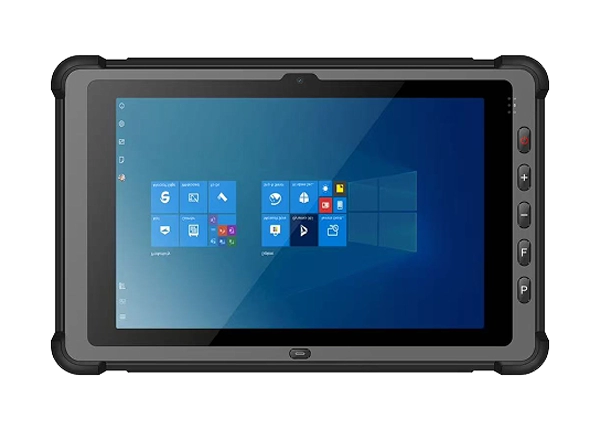
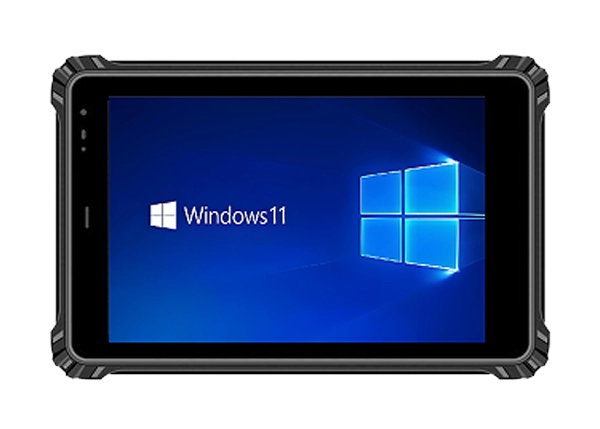
Choosing a processor for a rugged tablet is not simply a matter of selecting the highest specification. For industrial buyers, the right choice depends on the software being used, the number of applications running at once, peripheral requirements, and the conditions in which the device will operate. The RT-10Z 10-inch Windows 10/11 Rugged Tablet offers Intel N-series processor options in a rugged Windows platform, allowing businesses to match computing capabilities to their actual field requirements.
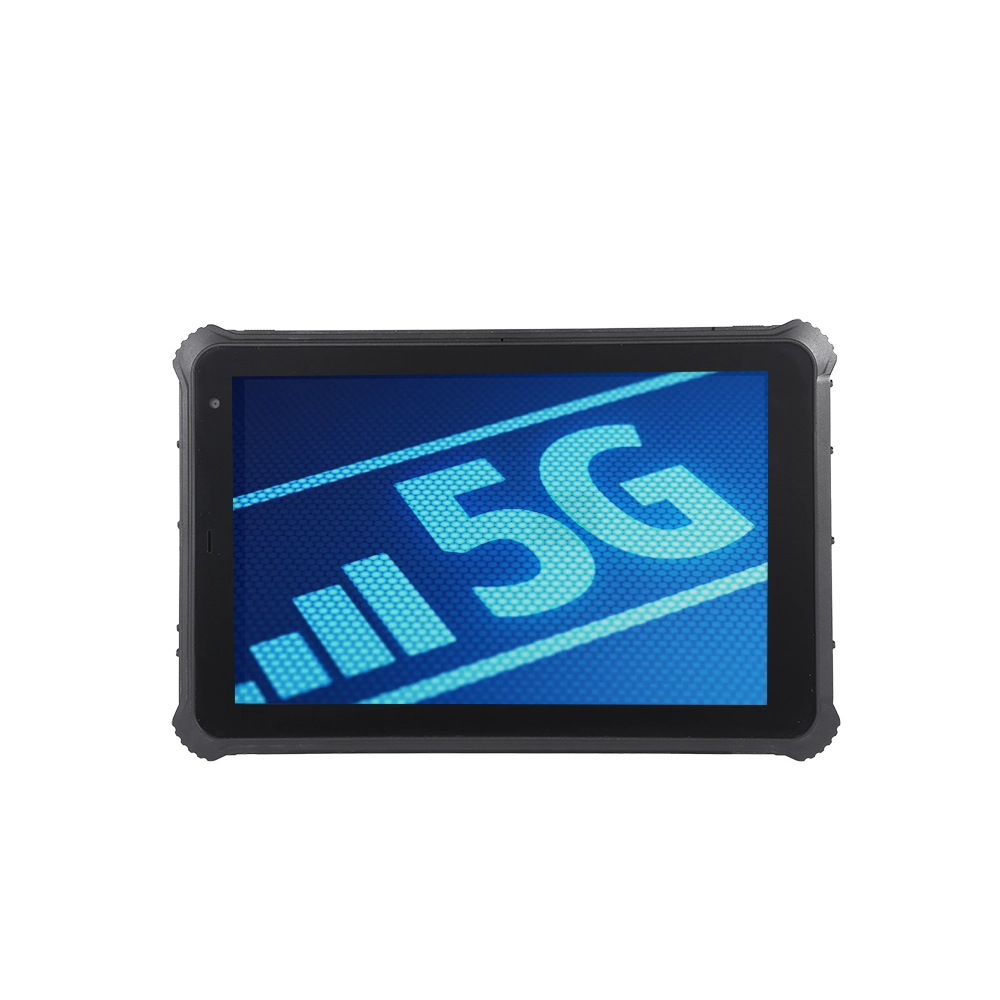
Industrial tablets often handle a different mix of tasks from consumer devices. A field technician might use a maintenance application, access equipment records, connect to a local network, and capture inspection photos during a single shift. A warehouse operator may work primarily with inventory software and barcode scanners, while an engineer may need to run more demanding desktop applications.
These workloads place different demands on the processor. Choosing a configuration that is insufficient for the intended software can lead to slow response times or reduced efficiency. Conversely, selecting a more powerful processor than the application requires may add capability that the project does not use.
The RT-10Z is available with Intel N100, N150, or N305 processor options. It also offers Windows 10/11 Home IoT or Pro, 8GB memory, and storage configurations starting at 128GB, with expansion options listed up to 2TB.
For procurement teams, the goal should be to evaluate the complete configuration rather than compare processor names in isolation.
The Intel Processor N100 is worth considering when a rugged tablet will primarily support defined, relatively lightweight business workflows.
Typical applications may include digital inspection forms, work order access, inventory lookup, basic reporting, document viewing, and browser-based enterprise systems. These tasks generally place less demand on the processor than sustained multitasking or resource-intensive desktop software, although actual requirements depend on the application and its implementation.
For example, a maintenance team might use a tablet to open a checklist, review equipment information, take photographs, and submit a service report. If the workflow relies on a small number of applications and the software vendor confirms compatibility, an N100 configuration may be sufficient.
Before choosing this option, buyers should test the applications that will actually run on the device. A web application with numerous active pages, large local databases, or extensive background processing may need more resources than a simple form-based system.
The N100 is therefore best evaluated as a workload-specific option, not automatically treated as the right choice for every entry-level deployment.
The Intel N150 is another option for projects that need a compact Windows computing platform. It belongs to the same general processor family as the N100, but the two models have different specifications.
For buyers comparing these processors, it is important to look beyond the model number. The actual experience depends on the applications, memory configuration, thermal design, power management, and other components of the finished tablet.
An N150 configuration may be worth evaluating for teams that run several business applications, switch frequently between work orders and documentation, or need additional processor capability while maintaining a mobile form factor. However, buyers should verify that the expected improvement is meaningful for their particular software rather than assume that every application will perform noticeably faster.
A practical test should include opening the primary business application, loading representative records, switching between tasks, connecting required peripherals, and completing a full work sequence.
For a deployment involving multiple users, testing several representative workloads can also reveal whether processor performance or another factor, such as network latency or storage access, is responsible for slowdowns.
The Intel N305 is the option to investigate when a project places greater demands on processing resources. Compared with the N100 and N150, the N305 has a higher-core-count design, which can be beneficial for workloads that use multiple processing threads effectively.
Potential applications include more intensive industrial software, multitasking across several business tools, and workflows involving repeated data processing. Whether the N305 delivers a meaningful advantage depends on how well the software uses the available processor resources.
For example, an engineer might need to keep an equipment monitoring application, technical documentation, and a reporting tool open at the same time. In this situation, evaluating the N305 may be worthwhile if the software vendor recommends additional CPU resources or testing shows that the lighter configurations struggle with the combined workload.
However, a higher-tier processor does not automatically solve every performance issue. Applications may be limited by memory capacity, storage performance, network access, graphics requirements, or software design.
Before specifying the N305, businesses should identify the bottleneck they are trying to address and test the complete RT-10Z configuration against that requirement.
The following table provides a starting point for configuration discussions. These are general selection guidelines rather than guaranteed performance ratings for every RT-10Z configuration.
Selection factor | Intel N100 | Intel N150 | Intel N305 |
Initial use case to evaluate | Routine forms and data lookup | Routine work with additional multitasking needs | More demanding or parallel workloads |
Application requirements | Lightweight business software | Software needing additional CPU capability | Applications able to benefit from more processing resources |
What to test | Form loading and report submission | Application switching and response time | Sustained workload and simultaneous applications |
Main purchasing consideration | Confirm sufficient performance | Verify the benefit over N100 | Confirm software can use the added capability |
A useful procurement process begins with the software requirements. Ask the application provider which processor models are supported, whether there are minimum or recommended hardware specifications, and whether the application benefits from multiple CPU cores.
Then run a practical test using the actual operating system, memory, storage, and peripheral configuration being considered. This is more reliable than selecting a model based on processor specifications alone.
Processor selection is only one part of a rugged tablet configuration. The RT-10Z lists 8GB memory and storage options beginning at 128GB, with expansion options up to 2TB.
Memory affects how comfortably a device can keep applications and data active at the same time. Storage determines how much space is available for applications, local records, downloaded documents, photographs, and offline work.
A tablet used mainly for online forms may have different storage requirements from one that retains extensive inspection records or technical files locally. Similarly, users who regularly switch between several applications should verify that the available memory meets the software vendor's recommendations.
Buyers should confirm the exact memory and storage configuration available with each processor option. The published specifications do not establish that every processor can be combined with every possible storage configuration, so this should be verified before an order is finalized.
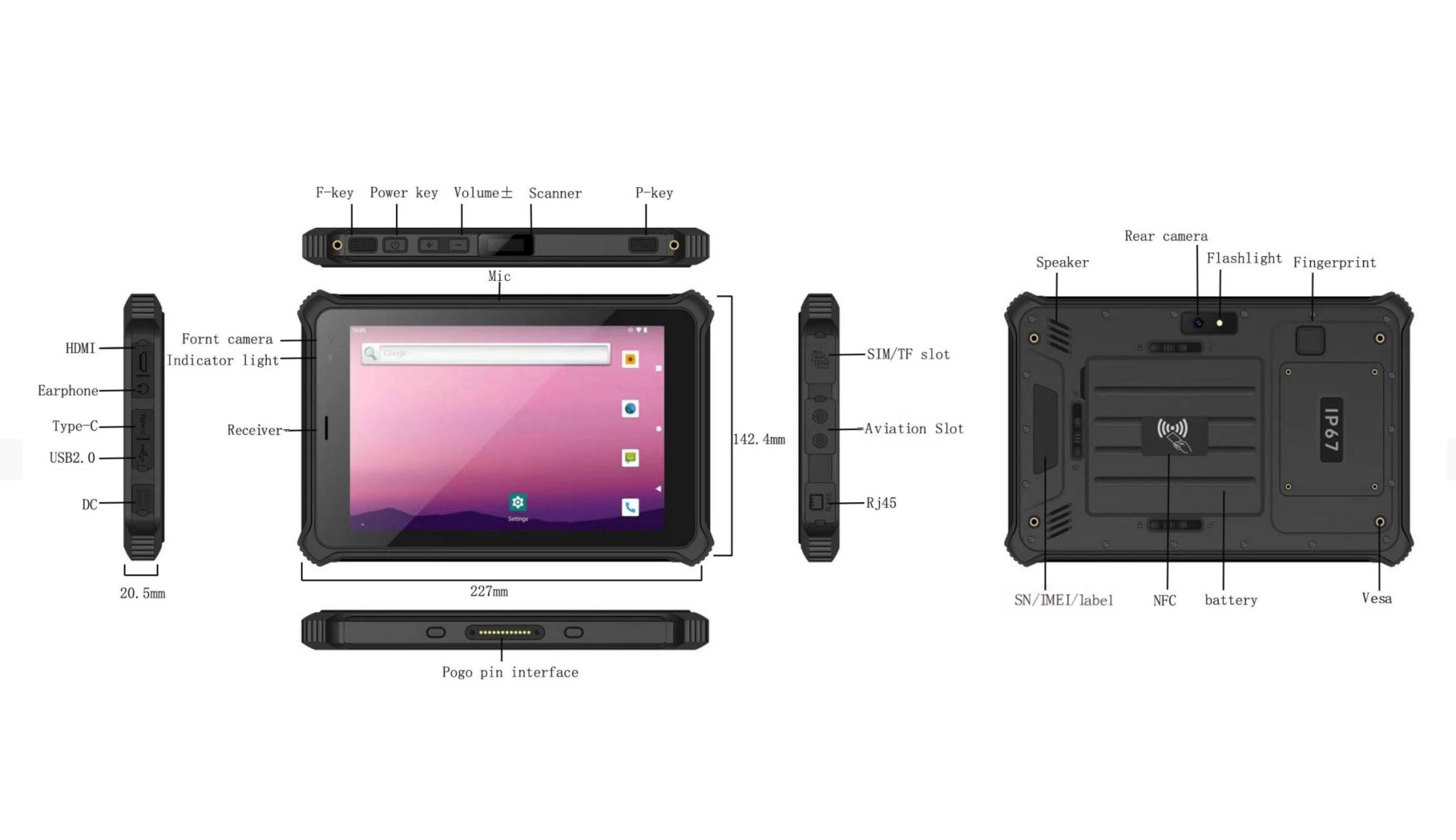
Industrial tablet selection involves more than CPU performance. The RT-10Z includes an IP67 protection rating and a specified 1.2-meter drop test on a composite wood floor. Its operating temperature range is listed as -20°C to 60°C.
The 10-inch display is available in 800 × 1280 or 1200 × 1920 resolution options, with brightness options of 500, 800, or 1000 nits. Custom touch options include anti-glare, glove touch, and wet-hand touch.
Connectivity options include Wi-Fi, Bluetooth 5.3, cellular network support, Gigabit Ethernet, USB-A, USB-C with OTG, and Mini HDMI. Optional modules may include fingerprint recognition, RFID, barcode scanning, and specialized positioning functions.
These features matter because a processor must work within the complete application environment. A tablet used for barcode-based inventory operations may need a specific scanner module and compatible software. A field inspection system may require reliable wireless connectivity, location services, and a display that remains readable in its working environment.
The RT-10Z should therefore be evaluated as a complete industrial computing solution, with processor selection coordinated with the required operating system, interfaces, accessories, and optional modules.
Before choosing a processor configuration, procurement and IT teams should confirm the following:
l Software requirements: Verify supported Windows versions, processor recommendations, and any application-specific hardware requirements.
l Workload: Identify whether users mainly complete forms, access databases, multitask, or run processing-intensive software.
l Memory and storage: Confirm capacity for applications, local files, and expected data growth.
l Peripheral compatibility: Test required scanners, RFID readers, network connections, and other accessories.
l Field conditions: Specify the necessary display brightness, touch behavior, protection level, and operating temperature range.
l Battery requirements: The RT-10Z lists a removable 5000mAh main battery, an 800mAh secondary battery, and support for hot-swapping. Confirm the applicable replacement procedure and runtime under the intended workload.
l Final configuration: Request confirmation of the processor, memory, storage, operating system, and optional modules supplied in the exact model being ordered.
This process helps avoid paying for capabilities that a deployment does not need or choosing a configuration that falls short of its software requirements.
Fushizk Technology Co., Ltd. is a Shenzhen-based technology company established in 2021, specializing in rugged computing tablets and integrating research and development, production, and sales. Its product portfolio includes Android and Windows rugged tablets, vehicle-mounted models, medical tablets, and other specialized devices for industrial and field applications.
The company reports more than 50 patent applications and annual R&D investment exceeding 15%. Its stated technical focus includes embedded system development, AI algorithm optimization, and wireless communication technology.
For businesses evaluating the RT-10Z, discussing the intended applications and deployment conditions with the supplier can help clarify which processor and hardware configuration should be tested. Buyers should request confirmation of the exact processor option, supported operating system, memory and storage combination, and compatibility with required peripherals.
Ultimately, the best RT-10Z configuration is the one that meets the software requirements, performs reliably under the expected workload, and fits the practical needs of the people using it. Comparing the Intel N100, N150, and N305 through real application testing provides a more dependable basis for purchasing decisions than choosing a processor by name alone.