 EN
EN
 English
  简体中文
简体中文  Italian
  Spanish
  Turkish
  Japanese
  Portuguese
  Russian
  French
  German
  Polish
  Persian
  Arabic
 News
Latest news, updates & insights from Fushi.
Latest news, updates & insights from Fushi.
Oct 09, 2026Source:Intelligent Browse: 3
Deploying Linux applications in industrial environments requires compatible hardware, reliable connectivity, and a device that can handle demanding working conditions. An Ubuntu-based rugged tablet can bring Linux software closer to field operations, equipment maintenance, and mobile data collection.
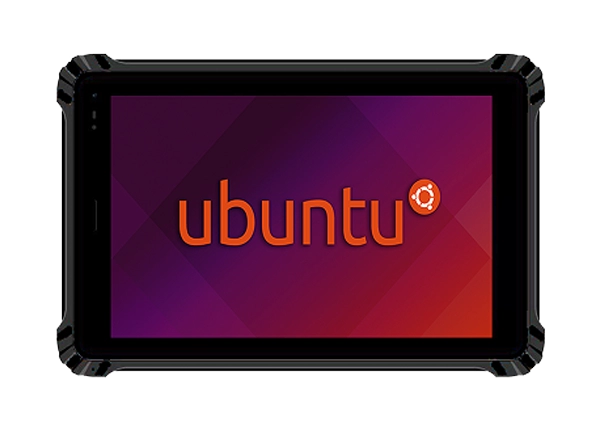
Linux is widely used in industrial computing because it supports flexible software development, command-line tools, networking services, and integration with a broad range of applications. For engineering teams that already maintain Linux-based software, using a tablet running Ubuntu can reduce the need to redesign existing workflows around a different operating system.
Typical applications include equipment monitoring, maintenance interfaces, industrial data collection, technical inspections, and field service tools. Depending on the software architecture, a Linux tablet may run a local application, connect to a server-based system, or exchange data with other equipment over a network.
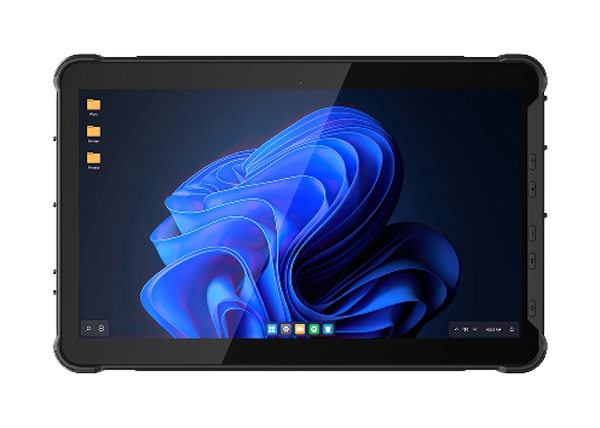
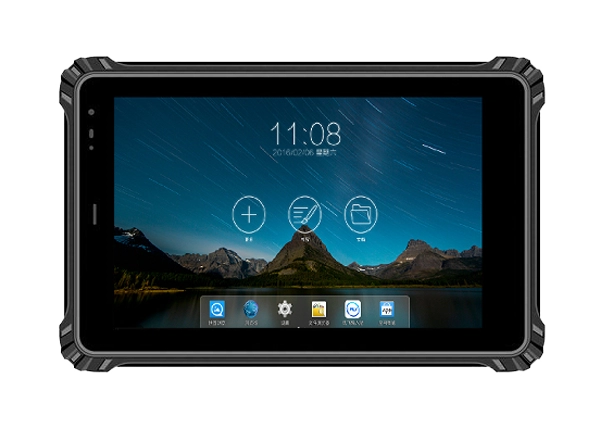
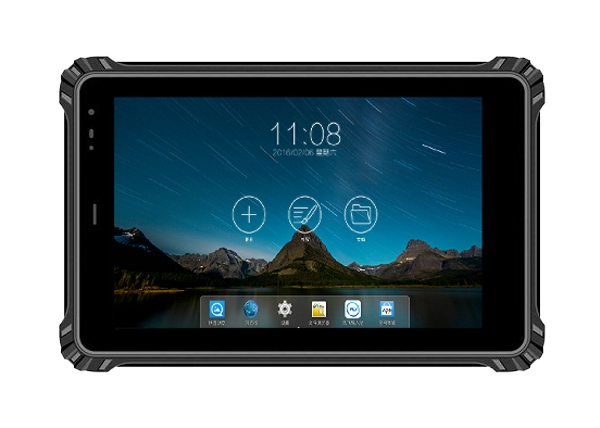
The RT-08U 8-inch Ubuntu 22.04 Rugged Tablet combines Ubuntu 22.04 with an Intel Celeron N5100 processor, making it a candidate for projects that require a portable Linux computing platform. Its suitability depends on the application’s processor requirements, supported drivers, display layout, and external device connections. These factors should be checked before deployment rather than assuming that every Linux application will run without modification.
The first step is to confirm that the intended software supports Ubuntu 22.04 and the tablet’s hardware architecture. Applications developed for a different Linux distribution, processor architecture, or desktop environment may require additional packages, configuration changes, or software rebuilding.
For applications distributed as Debian packages, confirm that the package dependencies are available for the target Ubuntu environment. For software built from source, review the required compiler versions, libraries, and system services. Applications that rely on proprietary drivers or specialized peripherals need particular attention because compatibility can depend on the exact hardware and driver implementation.
The RT-08U uses an Intel Celeron N5100 quad-core processor with four threads and a specified frequency range of 2.20 GHz to 2.80 GHz. This provides a basis for evaluating lightweight industrial applications, local dashboards, data entry tools, and communication software. Actual performance will depend on the workload, background processes, and application design.
Before rolling out multiple devices, test the software on one representative unit. Verify installation, startup behavior, screen scaling, network access, peripheral operation, and recovery after an unexpected shutdown. A short pilot can identify issues before they affect field teams.
Memory and storage requirements vary considerably between industrial applications. A simple checklist or equipment-status interface may need fewer resources than a system that stores inspection images, processes local data, or runs several services simultaneously.
The RT-08U Ubuntu tablet is available with 8GB RAM and 128GB storage, 16GB RAM and 128GB storage, or 16GB RAM and 256GB storage. The appropriate configuration should be based on the application’s memory usage, local data retention requirements, and expected service life.
For a single-purpose field application, the 8GB + 128GB configuration may be sufficient, subject to software testing. Projects that use several processes, larger datasets, or local analytical tools may benefit from 16GB RAM. Where inspection records, logs, images, or offline files accumulate over time, storage capacity should be assessed alongside the frequency of data synchronization and the organization’s retention policy.
The tablet also supports a TF card with a maximum stated capacity of 1TB. Before using removable storage for operational data, verify Ubuntu compatibility, filesystem support, mounting behavior, permissions, and the backup procedure. Removable media should not be treated as the only copy of important inspection records.
Interface compatibility is often one of the most important deployment considerations for industrial Linux systems. A tablet may need to connect to diagnostic equipment, network devices, external displays, or other peripherals that are already part of a facility’s workflow.
The RT-08U provides USB-A and USB-C ports, a Micro HDMI interface, a 100Mbps Ethernet port, a 3.5mm audio jack, a 12-pin Pogo Pin connector, and a TF card slot. These interfaces create several possible integration paths, but the presence of a physical port does not guarantee that every connected device will work automatically under Ubuntu.
For USB peripherals, check whether the operating system includes a suitable driver and whether the device exposes a supported interface. For Ethernet-connected equipment, confirm IP addressing, subnet configuration, firewall rules, and the communication protocol used by the application. If Micro HDMI is required for an external monitor, test the output resolution and display behavior with the intended Ubuntu desktop or application.
Teams integrating specialized equipment should also verify whether the required drivers are available for the installed kernel. Where a project depends on proprietary software or custom hardware, a proof-of-concept test is advisable before finalizing the device specification.
Industrial applications may need to exchange records with a central server, access remote equipment, or continue operating when a stable network is unavailable. Connectivity requirements should therefore be defined during the software planning stage.
The RT-08U supports Wi-Fi 802.11a/b/g/n/ac on 2.4GHz and 5.8GHz bands, along with Bluetooth 5.1. GPS is supported, while 4G or 5G communication can be selected as an optional configuration. The final cellular capability should be confirmed for the specific unit being ordered.
For connected applications, test network authentication, signal coverage, reconnection behavior, and secure access to internal services. If the tablet must work in areas with limited coverage, consider an offline-first application design. Data can be stored locally and synchronized when connectivity returns, provided that the software includes appropriate conflict handling and error reporting.
GPS may support location-tagged inspection records or field service workflows. However, the accuracy and reliability required for a particular application should be tested in its actual environment. Projects requiring higher-precision positioning may need additional hardware or a different positioning configuration.
Industrial tablets are frequently used in workshops, vehicles, outdoor inspection areas, and other locations where lighting and temperature vary. Display visibility, touch interaction, and environmental protection should be considered alongside computing performance.
The RT-08U has an 8-inch LCD with a standard resolution of 800 × 1280 and an optional 1200 × 1920 resolution. Standard brightness is specified at 500 nits, with 800-nit and 1000-nit options. Buyers should select a configuration according to the expected ambient light and test the actual application interface in representative conditions. A high-brightness display may improve readability in daylight, but reflections, viewing angle, and interface contrast also affect visibility.
The device features a 10-point touchscreen with a specified surface hardness of 7H. Teams should check whether the interface remains usable with their gloves, screen protectors, and normal operating procedures.
Its IP67 protection rating and specified operating temperature range of -20°C to 60°C make environmental suitability relevant to field deployments. These specifications do not remove the need to confirm the limits of connected accessories, charging arrangements, and the complete system. For vehicle or fixed-equipment installations, mounting stability and cable routing should also be evaluated.
A Linux deployment needs a maintenance plan as well as a working application. Before devices enter service, define how Ubuntu updates will be managed, how application versions will be controlled, and how administrators will recover a device after software failure.
Use individual user accounts and permissions appropriate to each role. Restrict administrative access, apply security updates according to the organization’s testing process, and protect sensitive data stored locally. If remote administration is required, use an approved secure connection method and document who can access the device.
For fleet deployments, maintain a record of each unit’s operating system version, installed applications, configuration settings, and peripheral requirements. Test updates on a pilot device before distributing them across the fleet. This is especially important when custom drivers, external equipment, or application dependencies could be affected by a system change.
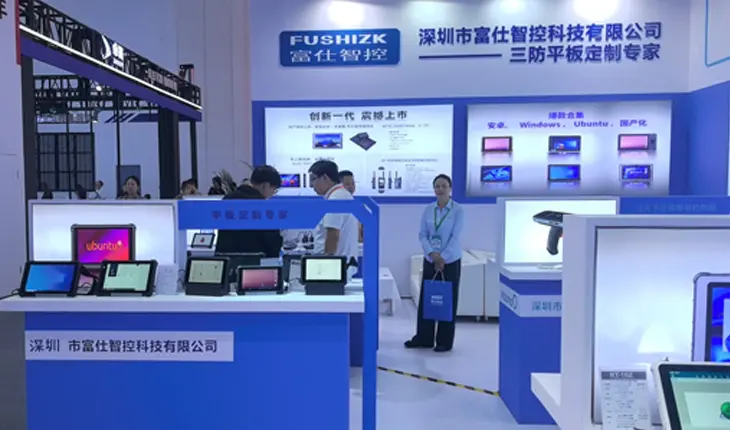
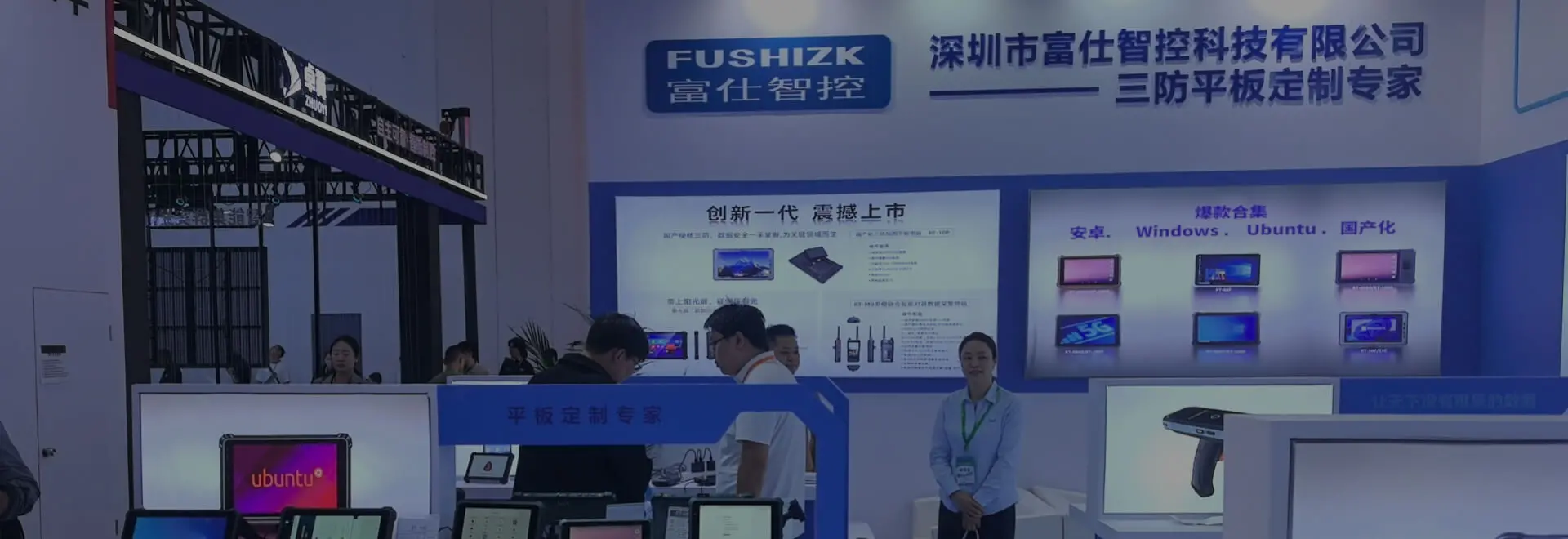
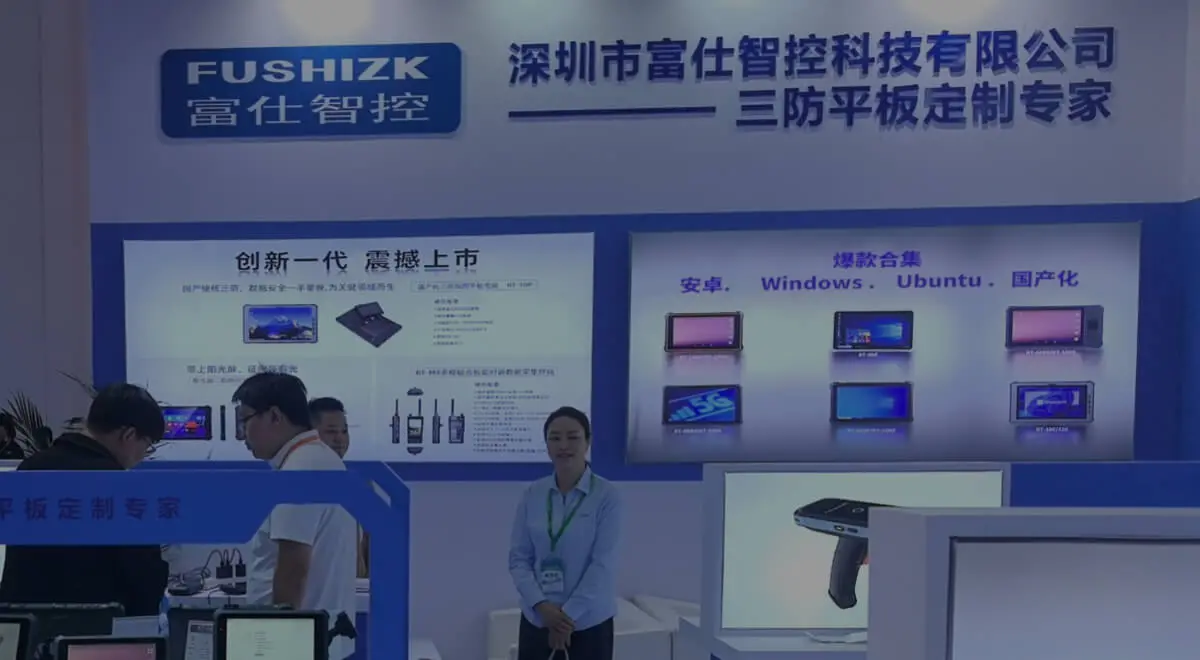
Fushizk Technology Co., Ltd., established in Shenzhen in 2021, develops rugged computing products for industrial automation, transportation, energy systems, medical equipment, and outdoor inspection. Its product range includes Ubuntu-capable rugged tablets alongside Android, Windows, vehicle-mounted, and other specialized devices. For project deployments, confirming the final hardware and software configuration helps ensure that the selected equipment matches the intended workflow.
Deploying Linux-based industrial applications on a rugged tablet involves more than installing software. Processor performance, memory capacity, peripheral drivers, network behavior, screen visibility, environmental conditions, and maintenance procedures all influence whether the application will perform reliably in the field.
The RT-08U 8-inch Ubuntu 22.04 Rugged Tablet provides an Intel Celeron N5100 platform, multiple memory and storage options, wired and wireless connectivity, and a rugged design for evaluation in industrial projects. Testing the target application and its connected equipment on the intended configuration is the most practical way to identify compatibility issues before wider deployment.
By matching the hardware to the workload and establishing clear deployment and maintenance procedures, engineering teams can make more informed decisions when adopting Ubuntu-based mobile computing. RT-08U can be evaluated for suitable Linux field applications in coordination with Fushizk Technology Co., Ltd., based on the project’s specific requirements.