 EN
EN
 English
  简体中文
简体中文  Italian
  Spanish
  Turkish
  Japanese
  Portuguese
  Russian
  French
  German
  Polish
  Persian
  Arabic
 News
Latest news, updates & insights from Fushi.
Latest news, updates & insights from Fushi.
Aug 25, 2026Source:Intelligent Browse: 85
A practical look at how a 10-inch Android rugged tablet can support inspection teams with field data collection, connectivity, location tracking, scanning, and reliable operation in demanding work environments.
For inspection teams, the challenge is rarely just collecting information. A technician may need to check equipment, record readings, photograph a problem, scan an asset code, confirm a location, and upload the result before moving to the next work point. When these tasks are handled with several separate devices, the process becomes slower and harder to manage.
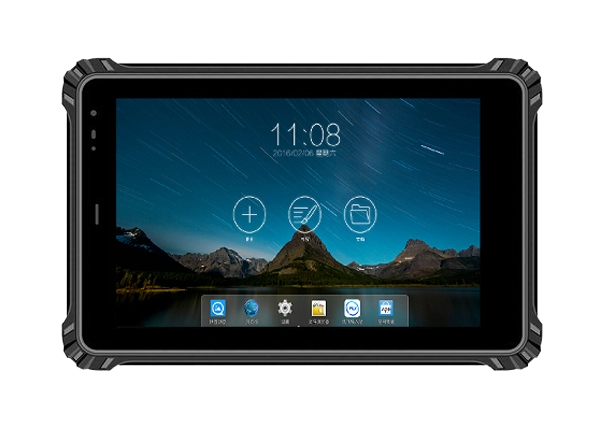
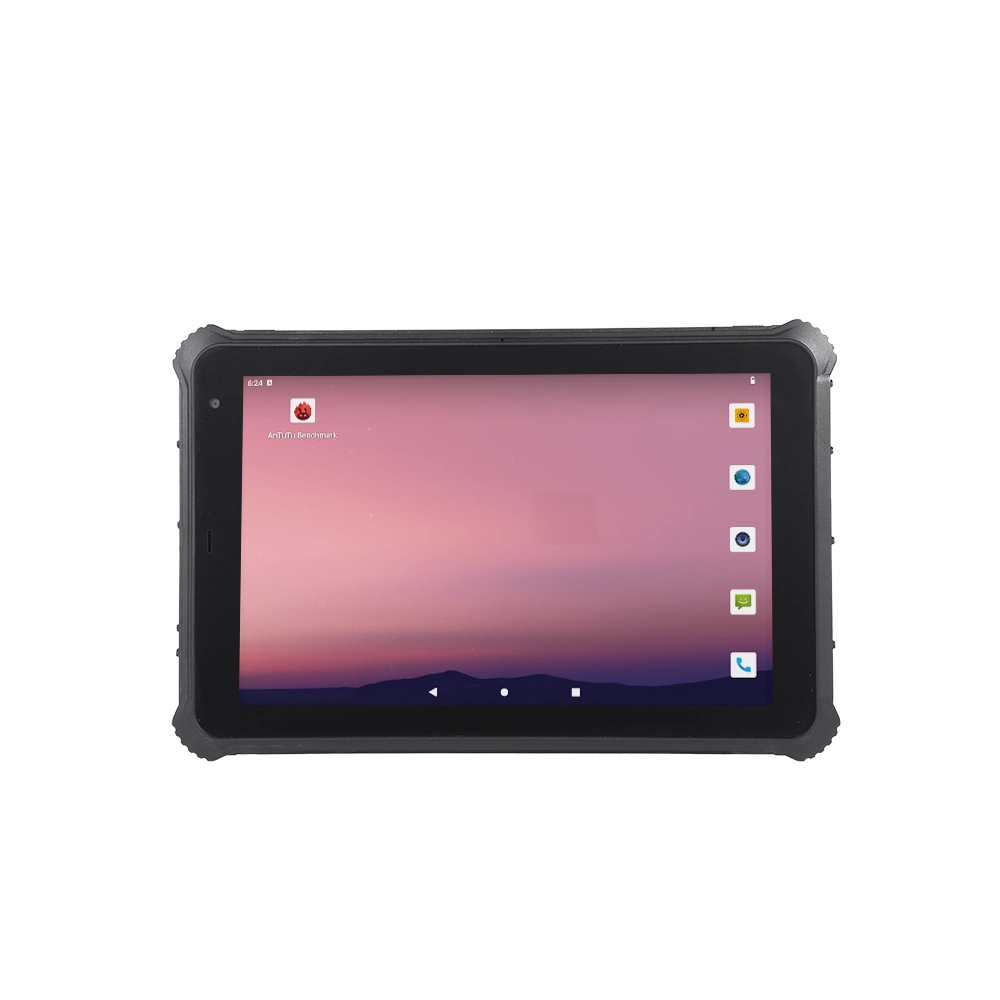
A rugged tablet can bring these functions together in one field-ready device. The RT-10MGis designed around this type of workflow, combining a 10-inch display, Android 13, cellular connectivity, positioning functions, expandable storage, and optional data-capture modules in a single rugged platform.
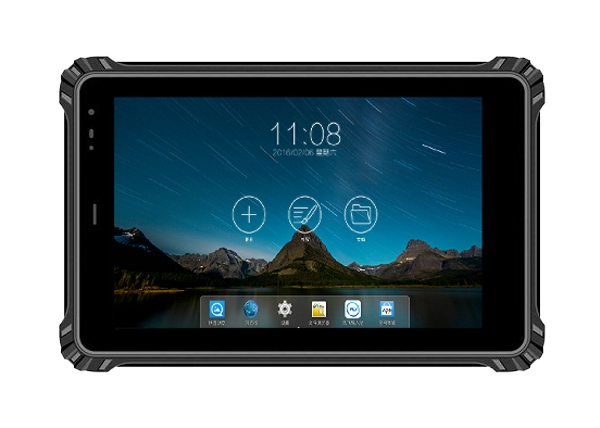
A mobile inspection device needs to be portable, but a screen that is too small can make field work unnecessarily difficult. Technicians often need to read equipment parameters, view maintenance instructions, complete digital checklists, or examine photographs while standing beside machinery.
The 10-inch screen of the RT-10MG provides more working space than a compact handheld terminal while remaining considerably easier to carry than a conventional laptop. Its 800 × 1280 display can also be upgraded to a 1200 × 1920 resolution option, while brightness options of 500, 800, or 1000 nits can be selected according to the intended environment.
This is useful when an inspection application contains multiple fields on one screen. Instead of constantly switching between pages, operators can see more information at once and complete forms with fewer interruptions.
The 10-point capacitive touch panel also supports customized anti-glare, glove-touch, and wet-hand-touch configurations. These options are particularly relevant when technicians cannot keep their hands completely clean or dry during an inspection.
A useful inspection tablet needs to do more than display software. It has to connect with the equipment and information systems used by the field team.
The RT-10MG includes Wi-Fi, Bluetooth 5.3, and 2G/3G/4G cellular communication. This gives organizations several options for keeping the tablet connected depending on the location and network environment.
For example, a technician working inside a plant may connect through Wi-Fi, while an outdoor maintenance team can use mobile connectivity where a local wireless network is unavailable. Bluetooth can also be used to communicate with compatible peripheral equipment without relying on cables.
The tablet provides a 100 Mbps network port as well as USB 2.0 Type-A and Type-C interfaces. These physical interfaces can be useful when inspection equipment, accessories, or service tools require a wired connection.
For organizations with established field applications, this flexibility can simplify deployment because the tablet does not have to depend on a single communication method.
Equipment inspection records are more useful when the location of the inspection is known.
The RT-10MG supports GPS, BeiDou, Galileo, and GLONASS, with three of the four positioning systems selectable. Optional GNSS and RTK high-precision positioning configurations are also available for applications that require more accurate location information.
Consider an inspection team responsible for pumps, electrical cabinets, pipelines, or other distributed assets. Instead of recording only an asset number, the inspection application can associate field records with location information. This can help maintenance managers understand where an issue occurred and reduce confusion when multiple similar assets are installed across a large site.
Location capability is also useful for outdoor inspection routes. Supervisors can use positioning data to verify that technicians have reached the required work areas, while technicians can use location information to identify assets in unfamiliar environments.
Inspection work often involves more than typing.
A technician may need to photograph damaged components, capture equipment labels, scan a QR code, or identify an asset before opening its maintenance record. The RT-10MG includes a 5 MP front camera and a 13 MP rear camera with autofocus and LED lighting.
The rear camera can therefore be used for visual documentation during inspection tasks. A technician can photograph corrosion, damaged wiring, worn mechanical components, meter readings, or installation conditions and attach the images to the corresponding digital record.
For projects that use barcode or QR-based asset management, optional 1D/2D scanning modules can further reduce manual entry. Instead of typing a long equipment identification number, the operator can scan the code and retrieve the relevant inspection record.
This small change can make a significant difference when hundreds or thousands of assets are checked regularly.
Some inspection environments require identification technologies beyond standard cameras and QR codes.
The RT-10MG supports optional NFC, HF/LF, RFID, and UHF modules. NFC/HF/LF configurations support protocols including 14443A, 14443B, 15693, and 125K. Optional UHF modules can provide embedded reading distances of approximately 3–5 meters or 10–15 meters depending on the selected module.
This creates several possible inspection workflows.
For example, a technician approaching a maintenance area could identify an asset using an RFID tag rather than physically entering its serial number. In a warehouse or equipment yard, longer-range UHF identification can help locate tagged items before the technician reaches the exact inspection point.
The benefit is not simply having more hardware options. The important point is that organizations can configure the tablet around their existing identification method instead of redesigning the entire inspection process.
Battery management can become a practical problem when inspection personnel spend most of the day away from charging stations.
The RT-10MG uses a built-in 3.8V 10,000mAh polymer lithium-ion battery. Its stated battery life is up to 10 hours under the specified local 1080P video playback test condition.
Actual runtime will vary depending on screen brightness, cellular communication, GPS usage, application workload, scanning, and other operating conditions. However, the large battery capacity provides a suitable foundation for extended field use.
For inspection teams, this matters because interruptions caused by low battery can break the workflow. A technician who has to stop in the middle of a route to recharge a device may leave inspections incomplete or need to return to the same location later.
Field inspection equipment is exposed to more physical stress than office computers. Tablets may be carried between vehicles, workshops, warehouses, production areas, and outdoor sites.
The RT-10MG has an IP67 protective rating and is specified for operation from -20°C to 60°C. It is also designed to withstand a 1.2-meter drop onto a composite wood floor under the stated test conditions.
These specifications do not mean that the tablet is indestructible. Instead, they indicate that the device is designed for environments where ordinary consumer tablets may be a poor fit.
The 21.8 mm-thick housing and 1,150 g weight also reflect its rugged construction. For maintenance teams, the trade-off is straightforward: the device is heavier than a standard consumer tablet, but it is designed with field reliability as a higher priority.
A typical inspection process using a rugged tablet can be organized into several simple steps.
First, the technician identifies the assigned equipment using a QR code, RFID tag, NFC tag, or another supported identification method.
Next, the inspection application loads the equipment's checklist, previous service history, and required measurement or maintenance items.
The technician then checks the physical condition of the equipment, enters observations through the touchscreen, and uses the camera to document any abnormal conditions.
If the application requires location verification, GPS or another supported positioning system can provide the relevant location data.
Once the inspection is complete, the technician can transmit the record through Wi-Fi or cellular connectivity, depending on the site network.
This workflow reduces the need for separate scanners, cameras, paper forms, and personal smartphones. More importantly, it creates a clearer connection between the asset, inspection result, location, and supporting images.
A 10-inch Android rugged tablet is particularly suitable when field personnel need both mobility and a relatively large working screen.
Potential applications include factory equipment inspections, utility maintenance, transportation equipment checks, warehouse asset verification, energy-site inspections, environmental monitoring, and industrial service operations.
For organizations developing customized inspection applications, Android 13 also provides a familiar software platform for deploying enterprise applications and integrating device functions such as cameras, positioning, scanning, and wireless communication.
Fushizk Technology Co.,Ltd focuses on rugged computing products and provides rugged tablets for applications including factory automation, measurement equipment, environmental monitoring, power systems, transportation, outdoor inspection, and IoT-related operations. Its technical capabilities cover embedded system development, wireless communication, and AI algorithm optimization, supporting customized configurations for different industry requirements.
Not every inspection project needs every optional module. A practical configuration should be based on the actual workflow.
For a basic digital inspection system, Android 13, Wi-Fi, Bluetooth, GPS, camera, and a suitable memory configuration may be enough.
For asset-heavy environments, adding a 1D/2D scanner or RFID capability can make identification faster.
For applications involving precise outdoor positioning, an upgraded GNSS or RTK configuration may be more appropriate.
For teams working in areas with unreliable Wi-Fi coverage, 4G connectivity can provide a more flexible communication option.
Display brightness should also be selected according to the working environment. A standard 500-nit display may be sufficient for many indoor applications, while higher brightness options can be considered for stronger ambient light.
The goal is not to select the maximum specification for every project. It is to match the hardware configuration with the actual inspection process.
A mobile inspection tablet needs to solve practical problems: reading information clearly, identifying equipment quickly, recording evidence, maintaining connectivity, tracking locations, and surviving regular movement between industrial and outdoor work areas.
The RT-10MG combines a 10-inch display with Android 13, 4G, Wi-Fi, Bluetooth 5.3, multi-system positioning, a 10,000mAh battery, IP67 protection, and optional scanning, RFID, NFC, UHF, and fingerprint modules. This combination makes it suitable for inspection workflows where a standard consumer tablet may lack the connectivity, protection, or expansion options required in the field.
For companies building a digital inspection system, the more important question is not simply whether a tablet is rugged. It is whether the device can fit the complete workflow from asset identification to inspection records and final data transmission. With the right configuration, RT-10MG can serve as a practical field terminal for that process.