 EN
EN
 English
  简体中文
简体中文  Italian
  Spanish
  Turkish
  Japanese
  Portuguese
  Russian
  French
  German
  Polish
  Persian
  Arabic
 News
Latest news, updates & insights from Fushi.
Latest news, updates & insights from Fushi.
Oct 10, 2026Source:Intelligent Browse: 3
Screen brightness is a practical consideration when deploying rugged tablets outdoors, where sunlight, changing weather, gloves, and long working hours can affect how reliably workers read and interact with information.
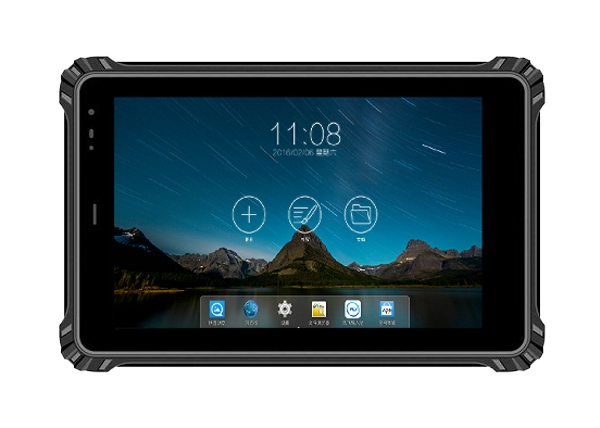
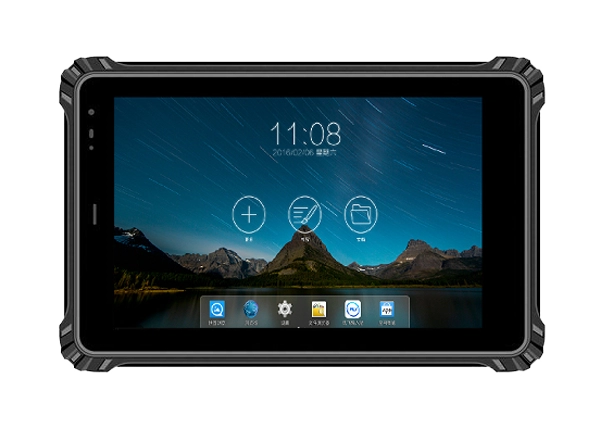
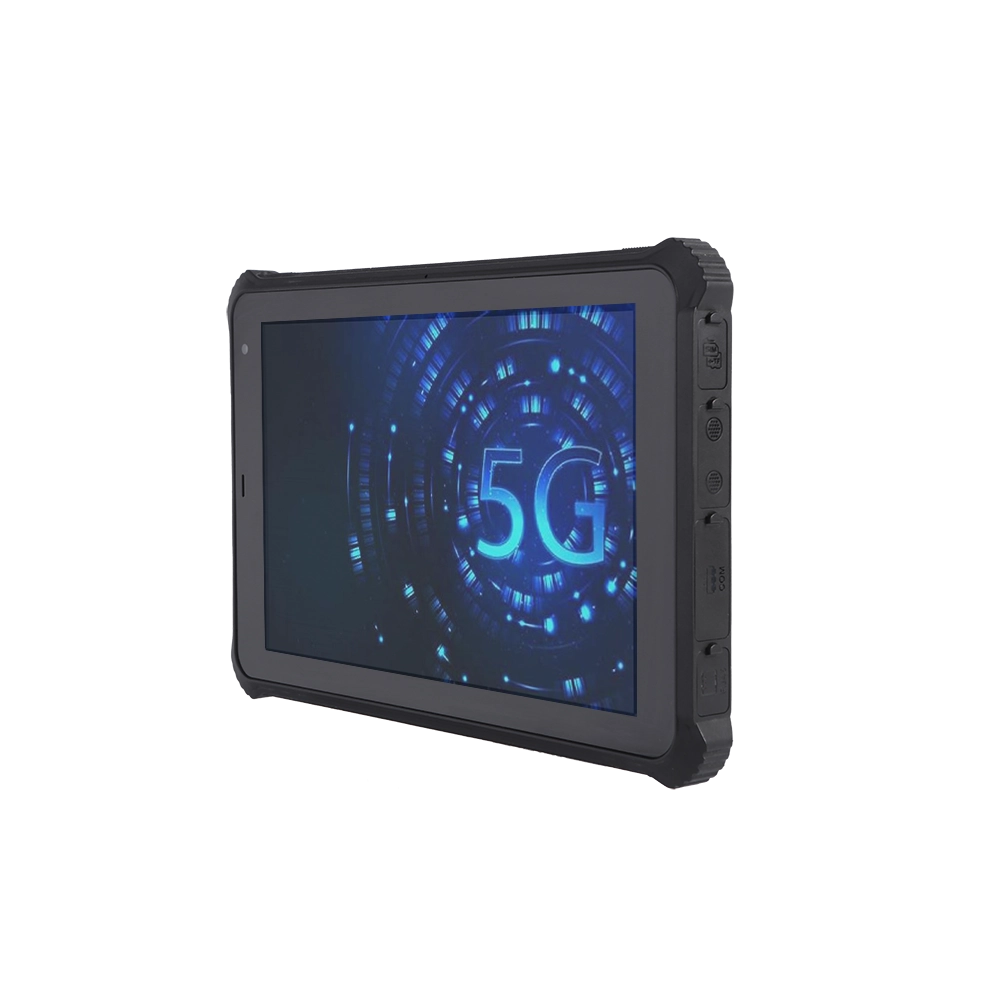
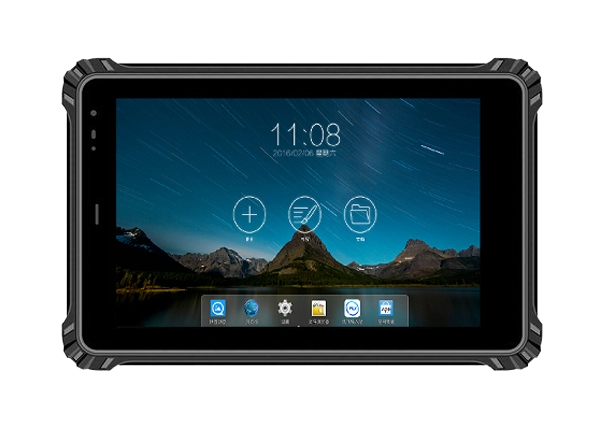
For field teams, choosing between 500, 800, and 1000 nit displays involves more than selecting the highest brightness. This article examines the factors that influence screen visibility and explains how the RT-08X 8-inch Android 15 Rugged Tablet can be configured for different industrial working environments.
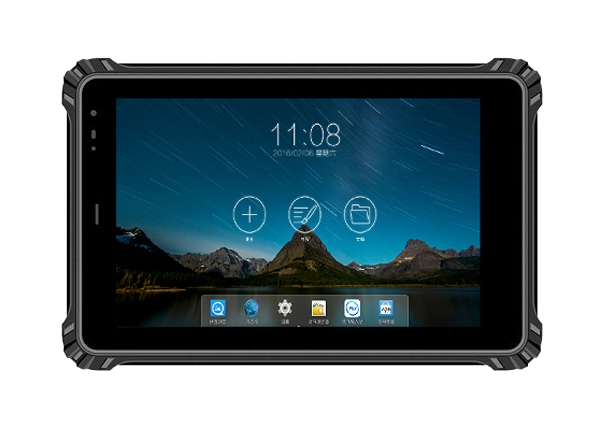
A tablet that looks clear inside an office may become difficult to read under direct sunlight. This can slow down inspections, make equipment readings harder to verify, and increase the chance of entering incorrect information.
Screen brightness, measured in nits, indicates how much light a display emits per unit of area. A higher nit rating generally helps the display remain more visible in bright environments. However, brightness is only one part of the overall viewing experience.
Outdoor visibility also depends on screen reflections, viewing angles, display resolution, contrast, and the position of the device relative to the sun. A high-brightness display can still be difficult to read if its surface reflects strong sunlight or if the user views it from an awkward angle.
These considerations matter in oil and gas operations, outdoor patrols, vehicle maintenance, utility inspections, and industrial field service. Workers may need to read work orders, check equipment parameters, review photographs, or confirm location information without moving to a shaded area every time they use the tablet.
The RT-08X offers optional display brightness levels of 500, 800, and 1000 nits. Selecting the appropriate configuration starts with understanding where and how the tablet will be used.
A 500 nit display can be suitable for indoor facilities, warehouses, workshops, and environments where direct sunlight exposure is limited. It can support routine tasks such as inventory checks, equipment records, production data entry, and maintenance documentation.
For teams that move between indoor workstations and covered outdoor areas, this brightness level may provide a practical balance between visibility and power consumption. The actual result still depends on ambient lighting and screen reflections.
Before selecting this configuration, buyers should test the tablet in the brightest conditions expected during normal operation rather than evaluating it only under office lighting.
An 800 nit display can be worth considering when workers regularly move between indoor and outdoor environments. Examples include facility inspections, logistics yards, utility maintenance, and vehicle service areas.
At this brightness level, the display has more output available to counter bright ambient conditions than a 500 nit option. This can help workers review digital checklists, inspect captured images, and enter records while working outdoors.
However, no brightness rating guarantees readability under every lighting condition. Screen angle, direct reflections, weather, and the contrast of the displayed content can all affect the result.
A 1000 nit display is worth evaluating for applications involving frequent exposure to strong daylight, such as outdoor patrols, roadside maintenance, and field inspections in open areas.
The additional brightness can improve visibility when ambient light is intense, particularly when workers cannot easily relocate to a shaded position. It may also provide greater flexibility when the tablet is used throughout changing daylight conditions.
The trade-off is power consumption. Running a display at a higher brightness setting generally requires more energy than operating the same display at a lower setting. Buyers should therefore evaluate visibility and operating duration together instead of automatically choosing the maximum brightness.
Brightness does not determine how clearly small text, detailed images, or technical diagrams appear. Resolution is another important factor.
The RT-08X rugged tablet uses an 8-inch LCD screen with an 800 × 1280 resolution option and an optional 1200 × 1920 resolution. These configurations can support different requirements for displaying text, images, and application interfaces.
For routine form completion, basic inspection checklists, and simple data entry, the standard resolution may be sufficient, depending on the application layout. Projects involving detailed equipment images, maps, technical documents, or more information on a single screen may benefit from evaluating the higher-resolution option.
Buyers should test the actual software interface on the intended configuration. Small text, tightly spaced controls, and low-contrast graphics can remain difficult to use outdoors even when a display has high brightness.
It is also important to confirm that the application scales correctly to the selected resolution and that essential buttons remain accessible on the 8-inch screen.
Reading the display is only half of the task. Field workers must also interact with it accurately, sometimes while wearing protective equipment or working in wet conditions.
The RT-08X features a 10-point capacitive touchscreen with a specified surface hardness of 7H. Optional configurations include anti-glare treatment, glove touch, and wet-hand touch. These options should be evaluated according to the actual work environment and confirmed for the selected device configuration.
For example, maintenance staff wearing protective gloves may need a touch mode designed for gloved operation. Outdoor inspection teams working in changing weather may prioritize wet-hand input or reduced screen glare.
Anti-glare treatment can help reduce distracting reflections, but it should not be treated as a replacement for adequate brightness. Similarly, touchscreen hardness does not mean the screen is immune to scratches or damage. Protective films, cleaning procedures, and suitable handling practices may still be necessary.
During procurement, test common tasks such as selecting small interface controls, entering notes, opening inspection records, and capturing photographs. These practical checks reveal usability issues that a specification sheet alone cannot resolve.
The RT-08X has a built-in 3.8 V, 10000 mAh polymer lithium-ion battery. Its stated battery life is approximately 10 hours under a specific test condition: 50% volume while playing local 1080p high-definition video.
This figure provides a reference point, but it should not be interpreted as a guaranteed runtime for continuous industrial use. Real-world battery performance varies with screen brightness, mobile network activity, GPS use, camera operation, application workload, temperature, and battery condition.
A tablet operating at 1000 nits with GPS and mobile data continuously enabled may consume more power than one used mainly for indoor forms at a lower brightness setting.
For this reason, deployment teams should test the intended brightness level alongside their normal software and connectivity settings. A useful field trial records battery status at the beginning and end of a representative shift, including periods of direct sunlight, active data transmission, and camera use.
Automatic brightness adjustment, where supported by the device and operating system configuration, may help reduce unnecessary power use when lighting conditions change. If automatic adjustment is unavailable or unsuitable, workers can use a defined brightness policy for different tasks.
The best display configuration depends on the operating environment rather than a single specification.
For indoor production facilities and warehouse operations, 500 nits may be a reasonable starting point. For mixed indoor and outdoor duties, 800 nits may offer a useful balance. For regular work in strong daylight, 1000 nits deserves closer evaluation.
Other specifications should be reviewed at the same time. The RT-08X offers an MTK6789 eight-core processor, memory and storage configurations of 4 GB + 64 GB, 8 GB + 128 GB, or 8 GB + 256 GB, and wireless connectivity options including Wi-Fi, Bluetooth 5.3, and supported cellular networks. GPS and other satellite positioning options can support location-based workflows when configured for the project.
Its IP67 protection rating and specified operating temperature range of -20°C to 60°C are also relevant when the tablet is deployed in demanding environments. These ratings do not eliminate the need to verify application compatibility, charging conditions, mounting arrangements, and the operating limits of optional accessories.
Fushizk Technology Co., Ltd. develops rugged computing tablets for applications including factory automation, transportation, medical equipment, energy systems, and outdoor inspection. Its product range includes Android and Windows rugged tablets as well as vehicle-mounted and other specialized configurations. For project-based procurement, confirming the display, operating system, touch options, and communication modules in the requested configuration is essential.
Before finalizing a tablet specification, procurement and engineering teams should check several practical points:
l Confirm whether the selected model will be supplied with a 500, 800, or 1000 nit display.
l Verify the selected resolution and whether anti-glare treatment is available in the same configuration.
l Test the display in representative sunlight conditions, including the viewing angles used during normal work.
l Confirm glove-touch or wet-hand-touch requirements before ordering optional touchscreen configurations.
l Evaluate battery runtime using the actual application, brightness level, GPS settings, and network connection.
l Check that the required Android version, software, peripherals, and optional modules are compatible with the final configuration.
These checks help ensure that a tablet specification reflects the working conditions it must handle, rather than relying on a brightness figure alone.
Selecting a rugged tablet display requires balancing visibility, resolution, touch operation, and battery endurance. A 500 nit configuration may suit controlled environments, while 800 or 1000 nits may be more appropriate for teams working frequently in bright outdoor conditions. Actual performance should always be verified in the intended environment.
For projects requiring an 8-inch Android device with multiple brightness options, the RT-08X 8-inch Android 15 Rugged Tablet provides configurations that buyers can evaluate against their field requirements. Matching the display to the application, testing a representative workload, and confirming the final specifications with Fushizk Technology Co., Ltd. can help teams make a more informed deployment decision.